Best Smart Outdoor Plugs & Timer Zone Kits for Christmas Lights 2026
Zone-by-zone smart outdoor plugs for Christmas lights, plus a mechanical backup timer — three browser-verified picks and a $60-100 kit that never needs a hand on a switch.
This article contains affiliate links. If you purchase through these links, we may earn a commission at no extra cost to you. Learn more.
Quick picks from this guide
Zone Anchor: Kasa Outdoor Smart Plug, 2-Socket (EP40)
The Kasa Outdoor Smart Plug, 2-Socket (EP40) anchors the kit.
Zone Plug: Kasa Outdoor Smart Plug, 1-Socket (KP401)
For a third zone — or a first one, on a smaller display — the Kasa Outdoor Smart Plug, 1-Socket (KP401) is the single-outlet version of the…
Backup: BN-LINK Outdoor 24-Hour Mechanical Timer (2-Outlet)
Every smart zone kit should keep one dumb, offline device in the rotation.
Upgrade Pick: Wyze Plug Outdoor, Dual Outlets with Energy Monitoring
For anyone who wants to see what a display actually costs to run, the Wyze Plug Outdoor, Dual Outlets with Energy Monitoring adds real-time…
| Item | Role | Price |
|---|---|---|
| Kasa Outdoor Smart Plug, 2-Socket (EP40) | Zones 1 & 2 (roofline + tree/bush) | $18.99 |
| Kasa Outdoor Smart Plug, 1-Socket (KP401) | Zone 3 (yard inflatable or accent) | $16.99 |
| Kasa Outdoor Smart Plug, 1-Socket (KP401) | Zone 4, or a mounted spare | $16.99 |
| BN-LINK Outdoor Mechanical Timer (2-Outlet) | Offline backup zone | $13.99 |
| **Total** | **Four smart-controlled outlets + one mechanical backup** | **$66.96** |
Do I need a smart plug for Christmas lights? Not strictly. A basic mechanical timer will turn one zone on and off at the same time every night, for about $14. A smart plug adds per-zone control instead. The roofline can turn on at dusk. The yard inflatable can shut off at 11 PM. The tree in the window can stay lit until sunrise. Each zone runs its own schedule, adjustable from a phone, with no walk outside in the cold. If a display is one string of lights on one outlet, skip ahead to the mechanical pick below. If it spans a roofline, a tree, and a yard piece that each want different hours, a zone plug kit earns its extra cost.
This guide is the equipment half of that decision. It covers three products, browser-verified for price and stock, that build a typical two-to-three-zone display for $60 to $100 total. For the electrical math behind how much any of this can safely draw, see the Christmas light power, timers, and safety planning guide. It covers circuit budgeting, GFCI protection, and cord gauge — the safety math that stays the same no matter which plug controls the load.
Why Zone Plugs Beat One Universal Timer
A single mechanical timer set for 5 PM to 11 PM works fine when a display is one strand plugged into one outlet. It stops working well the moment a display grows a second part. A roofline wants to light at dusk and run until dawn. A yard inflatable with a blower is better off silent after 11 PM. A porch accent only needs a few hours in the evening. Each of those wants a different schedule, and a single timer can only hold one.
Smart outdoor plugs solve that by putting a separate schedule on each outlet, set from an app instead of a dial. Most current models also support sunset/sunrise scheduling — an astronomical schedule built into the app that shifts the on/off time automatically as sunset time changes through the season, instead of a fixed clock time that drifts out of sync. A mechanical timer's dial has to be reset by hand to track that drift. A smart plug's schedule adjusts on its own.
The tradeoff is real. A smart plug depends on Wi-Fi and an app account. A mechanical timer depends on nothing but its own spring-driven dial. That's why the kit below pairs smart zone plugs for the schedules that benefit from precision with one mechanical timer kept in reserve. A display should never go fully dark just because a router rebooted.
The Zone Plug Picks
Zone Anchor: Kasa Outdoor Smart Plug, 2-Socket (EP40)
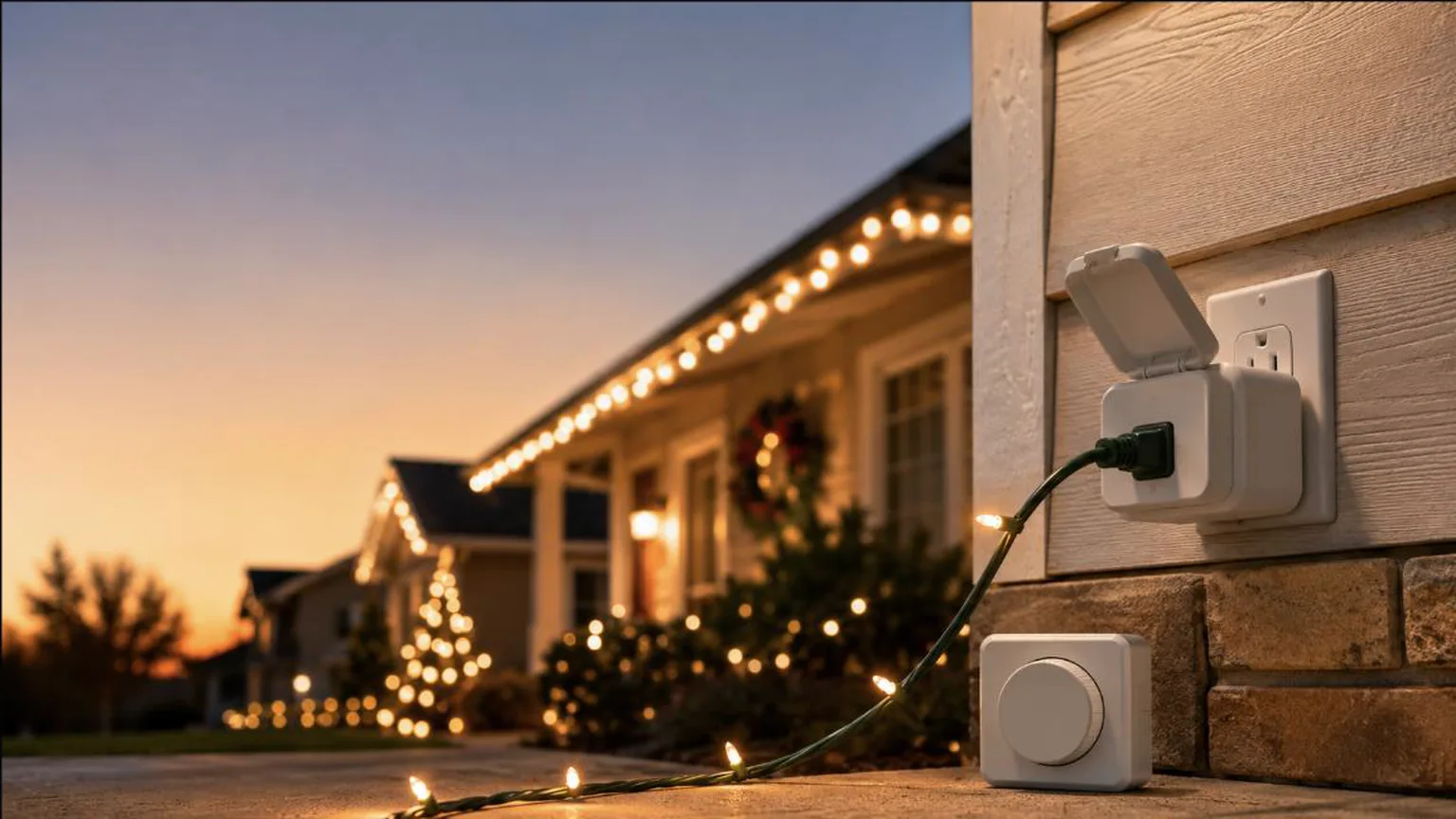
The Kasa Outdoor Smart Plug, 2-Socket (EP40) anchors the kit. It puts two independently switched, IP64-rated outlets in one weatherproof housing — one for the roofline, one for a net-light bush — each on its own app schedule, without doubling the hardware plugged into an outdoor outlet. New condition, in stock at publish, listed at $18.99 as a Limited time deal running through Aug 7, 2026 (list $24.99, checked 2026-07-26). Deal pricing on Kasa's outdoor line moves often, so confirm the live price before buying — this discount isn't guaranteed to hold past its stated end date.
Both outlets support scheduling, countdown timers, and sunset/sunrise offset through the Kasa app. It also groups with other Kasa devices for one-tap control across a whole display. The IP64 rating protects against dust and splashing water when the included waterproof cover is closed. It isn't a device to leave sitting in standing water, but it's built for a covered eave or a mounted outdoor box.
Zone Plug: Kasa Outdoor Smart Plug, 1-Socket (KP401)
For a third zone — or a first one, on a smaller display — the Kasa Outdoor Smart Plug, 1-Socket (KP401) is the single-outlet version of the same hardware. It shares the 15A/1875W max load, IP64 weather resistance, and the same Kasa app scheduling, including sunset/sunrise offset. New condition, in stock at publish, at $16.99 with no active discount at the time of writing (checked 2026-07-26). Buy two of these alongside the 2-socket EP40 to cover a typical three-zone display — roofline, tree, and inflatable — each scheduled on its own.
One fit note before buying two for the same outlet: the plug is a rigid 90-degree design. One buyer noted it's awkward to pair two of these side-by-side in a standard duplex outlet without a short extension. That's a non-issue when each unit goes into its own outlet, which is the more common setup for a multi-zone display anyway.
Backup: BN-LINK Outdoor 24-Hour Mechanical Timer (2-Outlet)
Every smart zone kit should keep one dumb, offline device in the rotation. The BN-LINK Outdoor 24-Hour Mechanical Timer, 2 Grounded Outlets is that backup. It's a 48-pin mechanical dial with no app, no Wi-Fi, and no account to lose. Set the on/off pins once and it repeats the same daily cycle, keeping its settings through a power outage. New condition, in stock at publish, and Amazon's #1 best seller in plug-in timers, at a flat $13.99.
This isn't the primary control for a multi-zone display. It can't do per-zone sunset/sunrise scheduling or remote scheduling. But it's the right tool for a zone that just needs the same hours every night, or as a fallback if the router ever goes down mid-season. It's also the cheapest reliable path into outdoor timer control for anyone whose whole display is one strand on one outlet.
Upgrade Pick: Wyze Plug Outdoor, Dual Outlets with Energy Monitoring
For anyone who wants to see what a display actually costs to run, the Wyze Plug Outdoor, Dual Outlets with Energy Monitoring adds real-time and historical power tracking to the same dual-outlet, IP64-rated, app-scheduled formula as the Kasa picks above. New condition, in stock at publish, at $36.97 — noticeably more than the Kasa 2-socket plug. That price is for the energy-monitoring feature, not any difference in weatherproofing or outlet count. It's not part of the core $60-100 kit below, but it's the upgrade to reach for if tracking the display's power draw matters more than staying on budget.
What's in the $60-100 Zone Kit
A typical outdoor display with a roofline, a tree or window feature, and one yard piece breaks down into three zones. Here's what that costs, built from the picks above:
That lands comfortably inside the $60-100 range. It covers four independently switched smart outlets across two devices, plus a mechanical timer that needs no app to keep working. A smaller two-zone display can drop the second KP401 and land closer to $50. A display that swaps in the energy-monitoring Wyze plug for one Kasa unit pushes toward the top of that range instead.
Placement and Weatherproofing
Every smart plug in this kit is IP64-rated; the BN-LINK timer has a rainproof casing rather than an IP rating — BN-LINK specifies mounting it upright 2 ft above ground. The IP64 rating protects the smart plugs against dust and splashing water when the included cover is closed over the connection. None of these devices are rated for submersion, so none belong somewhere water can pool around the housing. Mount each device above ground level. Keep a drip loop in the cord — a low point below the plug so water runs off before it reaches the connection. Route the cord so the outlet-facing end stays under an eave or inside a weatherproof outlet cover, not exposed to direct rain. The full electrical-safety picture — GFCI protection, extension cord gauge, and how much wattage a circuit can carry — is covered in the Christmas light power, timers, and safety planning guide. None of that wattage math changes based on whether the plug controlling a zone is smart or mechanical.
For displays where the lighting hardware itself is the bigger decision, SmartHomeExplorer's smart holiday lighting setup guide covers permanent eave runs, patio strings, and animated shows, ranked by mounting style. For a deeper look at outdoor smart plugs specifically — including models built for year-round patio and garden use beyond the holiday season — SmartHomeExplorer's weatherproof smart outdoor plug roundup lands on the same Kasa EP40 as its top overall pick.
Last updated: July 2026. Prices, discounts, and availability may change on Amazon — check current details via the links above before buying.
Frequently Asked Questions
Do I need a smart plug for Christmas lights?
Only if the display has more than one zone that should run on a different schedule. A single strand on one outlet is well served by a $14 mechanical timer. A display with a roofline, a tree, and a yard piece — each wanting different hours or a sunset/sunrise schedule that tracks the season — is where a smart plug's per-zone control earns its higher price.
What happens to a smart plug's schedule if the Wi-Fi goes down?
Neither the Kasa nor Wyze listing specifies what happens to a stored schedule if Wi-Fi drops, so don't assume it keeps running uninterrupted. What's certain either way: remote control and any new schedule changes stop working until the connection returns. That uncertainty is exactly the gap the mechanical BN-LINK timer is meant to cover for at least one zone.
Can I use a smart plug and a mechanical timer on the same display?
Yes, and it's the setup this guide recommends. Put the zones that benefit from precise or sunset/sunrise scheduling on smart plugs. Keep one zone — or a spare outlet — on a simple mechanical timer as a fallback that needs no app, account, or network to keep working.
Are these smart plugs actually weatherproof?
They're IP64-rated, which means protected against dust and water splashing from any direction. That's adequate for a covered eave, a mounted outdoor electrical box, or a plug kept dry under its waterproof cover. None of them are rated for submersion, so avoid low spots where water can pool around the housing, and always keep a drip loop in the cord.
Do I need a separate smart home hub to use these?
No. All four picks above connect directly to a home's 2.4GHz Wi-Fi network and run through their own free app — Kasa Smart for the two Kasa plugs, the Wyze app for the Wyze plug. None need a separate hub, and all work with Alexa or Google Assistant for voice control once paired.
How many zones can one Kasa app actually manage?
The Kasa app doesn't publish a strict device limit for a single account, but it's built to group and schedule multiple devices together, with each one controllable on its own or as part of a scene. A three- or four-zone Christmas display is well within what the app is designed to handle.
Is the energy-monitoring feature on the Wyze plug worth the extra cost?
Only if tracking power draw actually matters to the buyer. It doesn't change weatherproofing, outlet count, or scheduling features compared to the Kasa picks. It adds real-time and historical wattage data in the Wyze app — a genuine extra for anyone curious what a display costs to run, but not something the kit needs to function.
Get our Christmas gear picks
Holiday deal roundups and updates when our top picks change.
No spam, ever. Unsubscribe anytime.
Sources & Methodology
Methodology: ChristmasGearHQ guides are researched on an expert-verification model. Specifications, dimensions and capability claims are taken from the manufacturer's own published material and, where available, independent published reviews, and are attributed in the text to the source that published them. Where two sources disagree, we say so and name both rather than picking one. We do not make first-person hands-on testing claims.
Prices, sellers and availability are read from the live product page and move on their own schedule — confirm the current figure through the links above before buying. Edited by Nicholas Miles, Chief Editor. Corrections: contact us.
More Guides
- Christmas LightsBest Giant Lighted Outdoor Christmas Trees 2026: 6 to 20 Foot Cone, Flagpole, Spiral and 3D Picks
- Christmas LightsJellyfish vs Trimlight vs Gemstone - What Permanent Christmas Lights Cost in 2026
- Christmas LightsChristmas Light Power, Mounting & Cable Accessories 2026
- Christmas LightsPermanent Christmas Lights for Halloween & Year-Round Use 2026